Sparking Zero Chase Change Not Working, How to Fix Sparking Zero Chase Change Not Working?
by V Gomala
Updated Oct 15, 2024
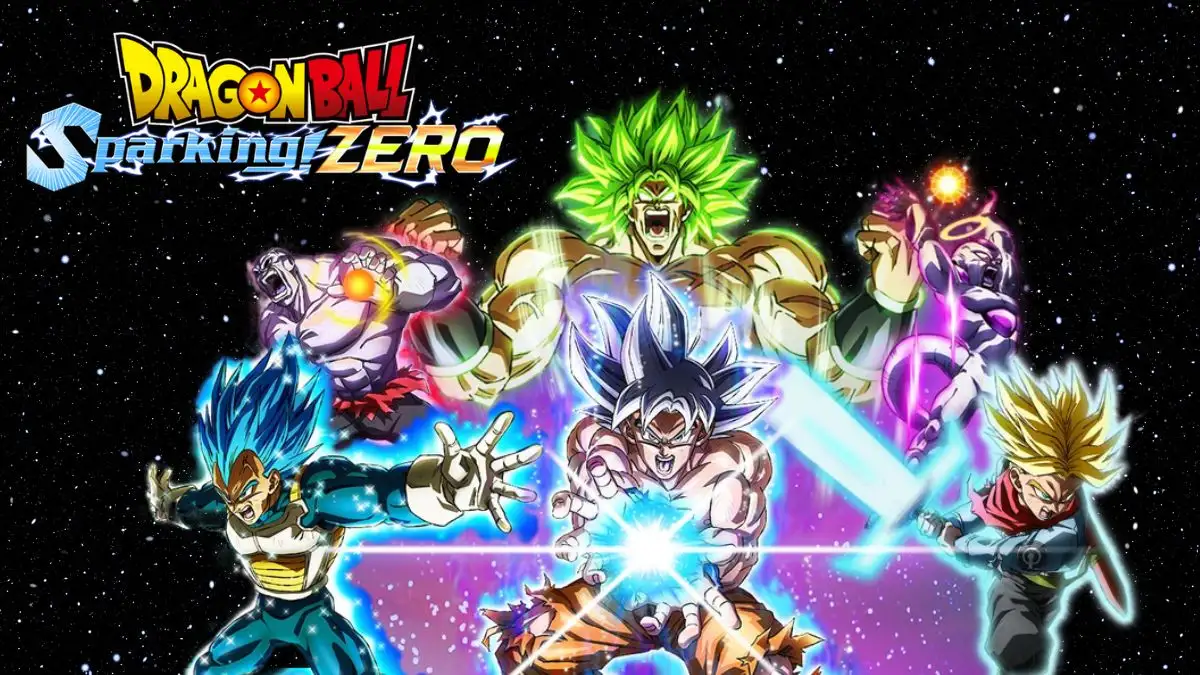
Sparking Zero Chase Change Not Working
Some users on the Steam Community have complained that Sparking Zero Chase Change not working. Chase Change is a special move that lets you switch to another character while doing a combo. It’s one of many techniques you can learn in the game’s hour-long tutorial, which many players often skip.
In this guide, learn how to use Chase Change with both Classic and Standard control layouts.
How to Fix Sparking Zero Chase Change Not Working?
There are no fixes found. Learn how to do Chase Change in Dragon Ball: Sparking! Zero properly.
Chase Change in Dragon Ball: Sparking Zero (Standard Layout)
To use the Chase Change move and switch to another character in the Standard Layout, follow these steps:
- Start your Rush Attack combo. Try to push your enemy back with one of your attacks so you have time to switch characters.
- When the enemy is pushed back, press the Left button on the D-pad to open the character switch menu.
- Select the button for the character you want to switch to. This will successfully perform the Chase Change.
When you open the character switch menu, don’t move the joystick. If you move while the menu is open, you will back out of it.
Chase Change on Classic Layout
To do a Chase Change in Dragon Ball Sparking Zero using Classic Layout controls, follow these steps:
- Start a Rush Attack combo and wait for the enemy to push back if you can. This gives you time to switch characters.
- When the enemy is pushed back or when you want to switch, press L3 + R3 on the PlayStation controller or LS + RS on the Xbox controller. (This means pushing down on both analog sticks.)
- This will bring up the character switching menu.
- Use your right analog stick to flick towards the character you want to switch to. Don’t move the left analog stick while doing this.
- You will successfully perform a Chase Change!
Dragon Ball: Sparking! Zero
Dragon Ball: Sparking! Zero is a new game in the Dragon Ball Z: Budokai Tenkaichi series. It was announced in March 2023 after the Dragon Ball FighterZ World Tour finals. The game was released on October 10, 2024, in Japan, and on October 11, 2024, in the United States. It is available for PlayStation 5, Xbox Series X/S, and PC through Steam.




Recent Articles
- A'ja Wilson Injury Update, What Happened To A'ja Wilson?
- Stereophonics UK Tour 2025 Dates, Presale Code, Ticket Price
- How to Beat Solgaleo Raids in Pokemon Go? Pokemon Go Solgaleo Raid Guide
- When Does College Football 26 Early Access Start? How to Play College Football 26 Early?
- Dune Awakening Update 1.1.15.0 Patch Notes: Complete Guide to Latest Fixes
- Elden Ring Nightreign Update 1.01.4 Patch Notes, Elden Ring: Nightreign Update Timeline
- How to Get Summer Coins in Grow a Garden? Mega Summer Harvest Event
- How to Get Bandages in 99 Nights in the Forest Roblox: Complete Guide, Tips & Community Resources
- Is Cole Howard Leaving The Young and the Restless? What’s Wrong With Cole on The Young and the Restless?
- Will there be a Season 2 of The Waterfront?
- Who is Francie Fak in The Bear Season 4? Everything You Need to Know
- Valorant Patch Notes 11.00, New Act Release Date, Time and More
- Why is DeWanna Bonner Not Playing? Where is DeWanna Bonner?
- Who Plays Grady on The Waterfront? A Complete Character Guide
- Will Death Stranding 2 be on Xbox?
- Why Is Pat McAfee Not On Raw Tonight? What Happened To Pat McAfee?
- What Happened to Jinu in Kpop Demon Hunters? Who Voices Jinu in Kpop Demon Hunters?
- Lies of P Update Patch Notes 1.9.0.0 : What's New and What's Improved
- Is Aisha Tyler Leaving Criminal Minds? What Happened in the Latest Episode?
- Fantasy Life i Update 1.3.3 Patch Notes: Major Camera Changes and Bug Fixes
- Does 28 Years Later Have a Post-Credit Scene? 28 Years Later Plot and Ending Explained
- What Ethnicity is Huda from Love Island? Who is Huda Mustafa?
- What Happened to Anne Burrell the Chef? How did Anne Burrell Die?
- James Beard Awards 2025: Winners and Nominees
- How to Link Shadowverse Account to Worlds Beyond?